Your phone is the TV remote.

Search with your phone keyboard, talk in Hindi or English, play family games on the big screen, and let the TV run on a schedule. For Android TV and Google TV.

Free downloadNo adsNo account
9:41
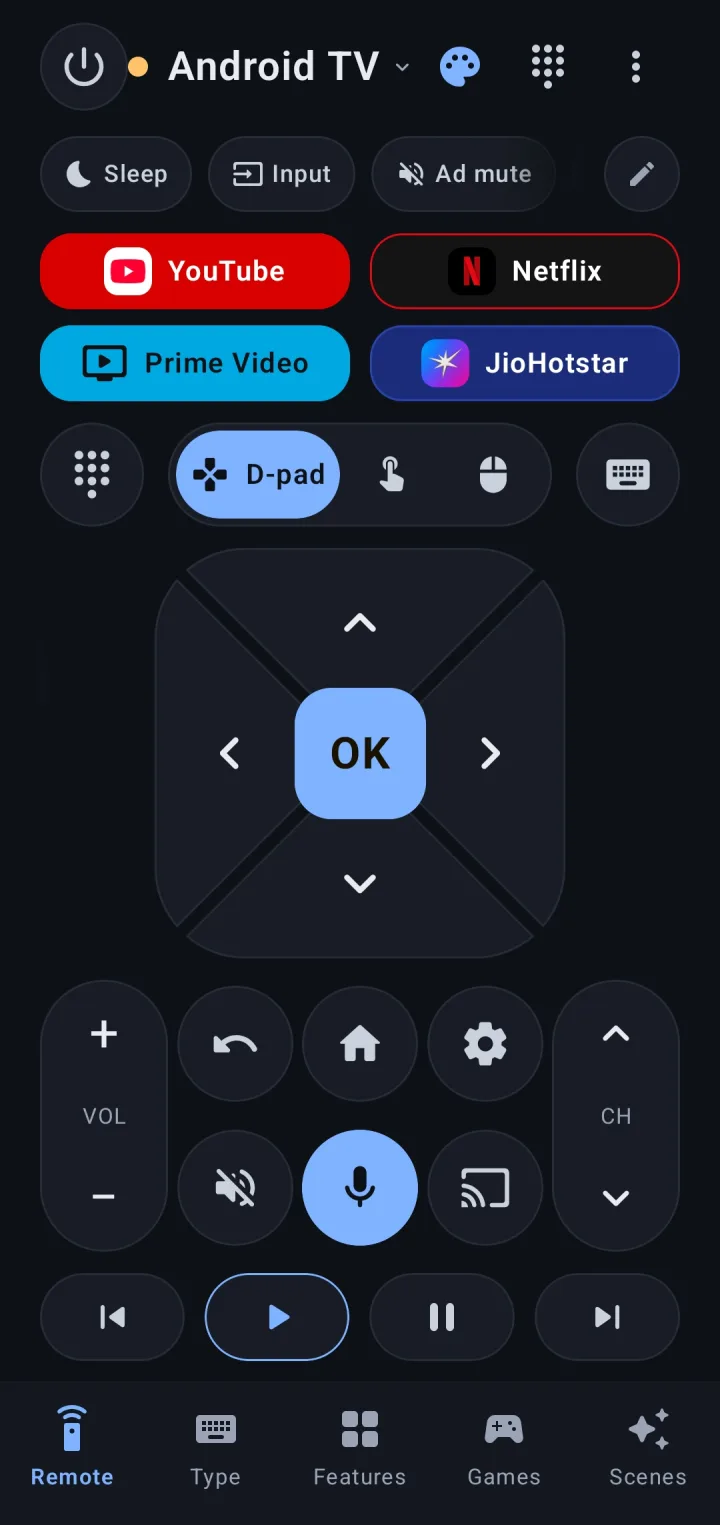
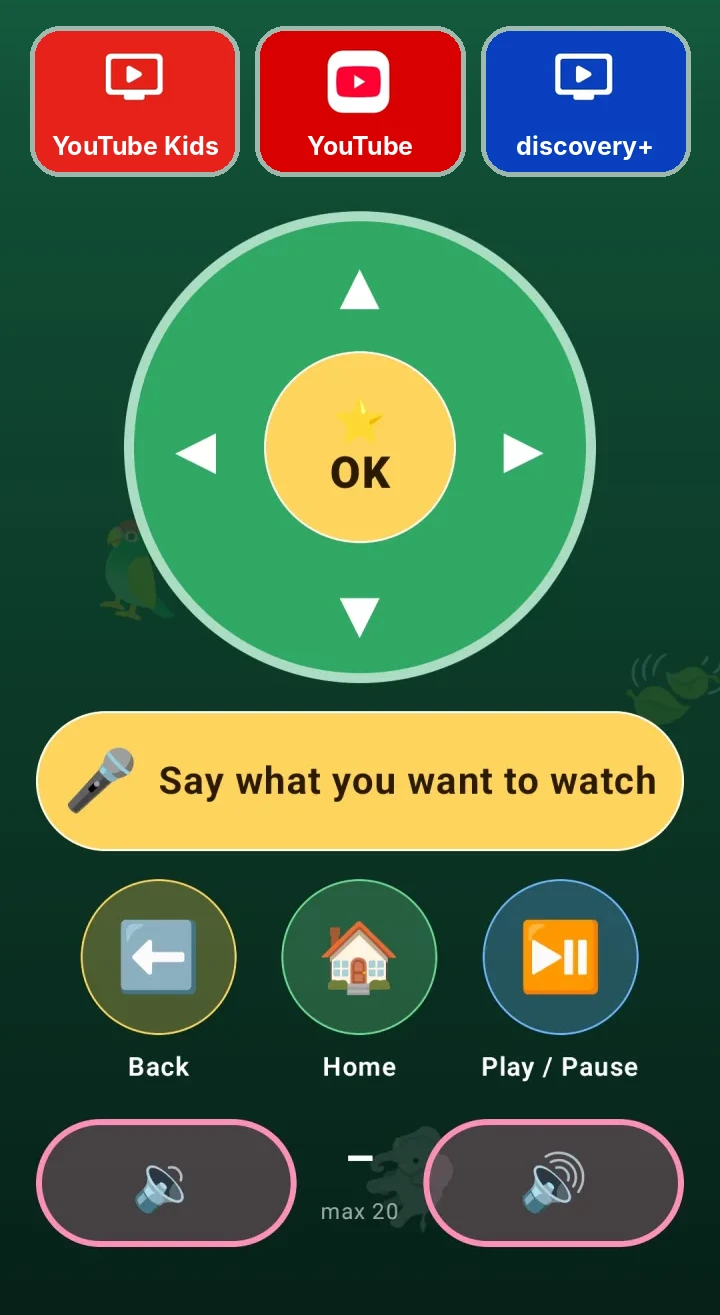
Remote Raja's main remote: app buttons, D-pad, volume, voice and media keys

Try it: tap the phone's D-pad, OK, apps, volume or mic. Arrow keys work too.

For youMoviesShowsApps9:41
Tonight on the big screenFamily movie night
Your apps
🔊
12
Listening…
No ads, everNothing in your way
Voice in your languageहिन्दी, Hinglish, English
Same Wi-Fi, that's allNo extra box or cable
Free to startPro adds the extras
Made for every home

One phone. The whole family on the TV.

Kids, parents and grandparents can all use it. Big buttons, your language, and games everyone can play together.

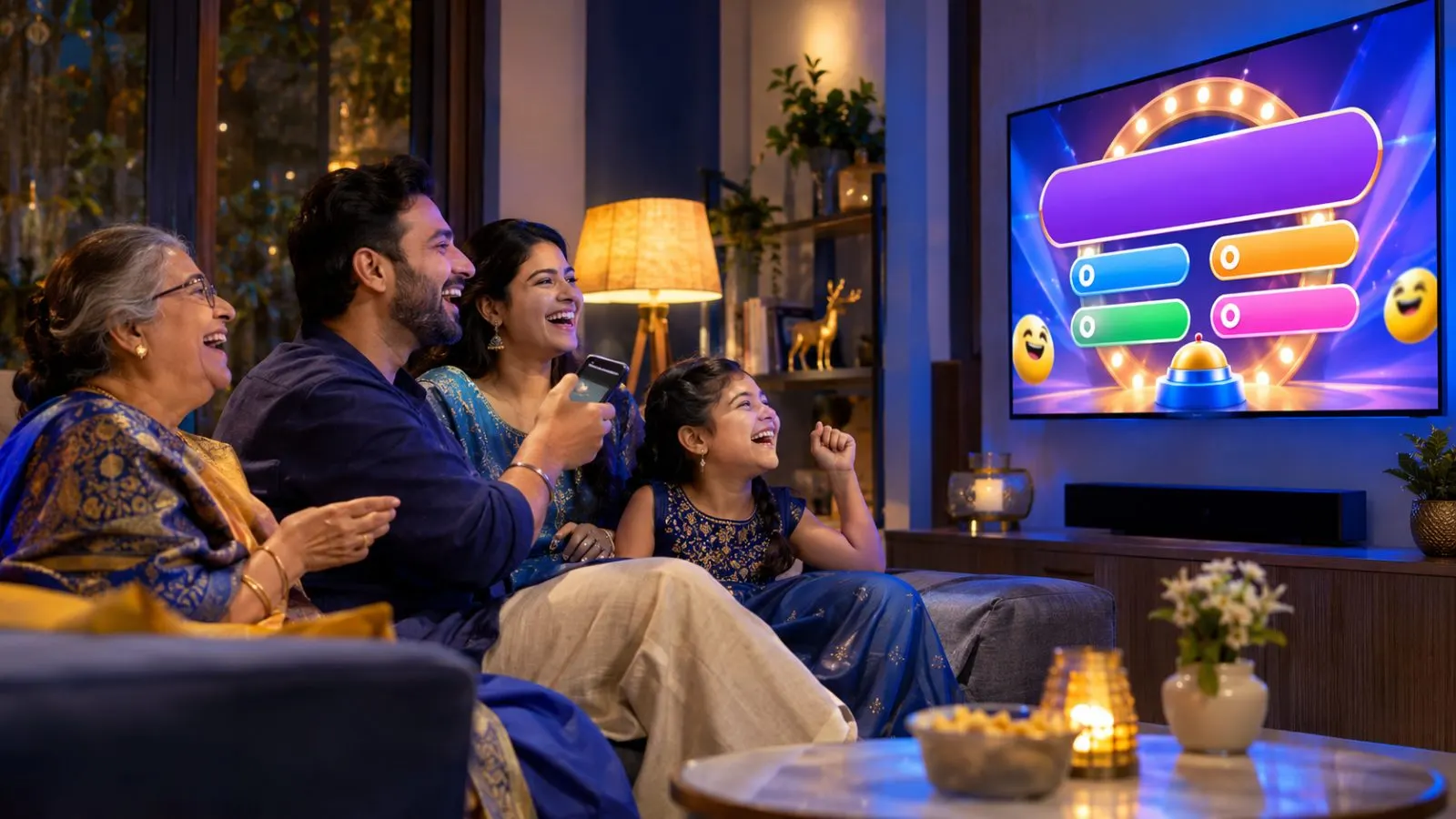
A family laughing together on the sofa while playing a quiz game on the TV
Family game nightQuiz, Antakshari and more, played on the big screen.
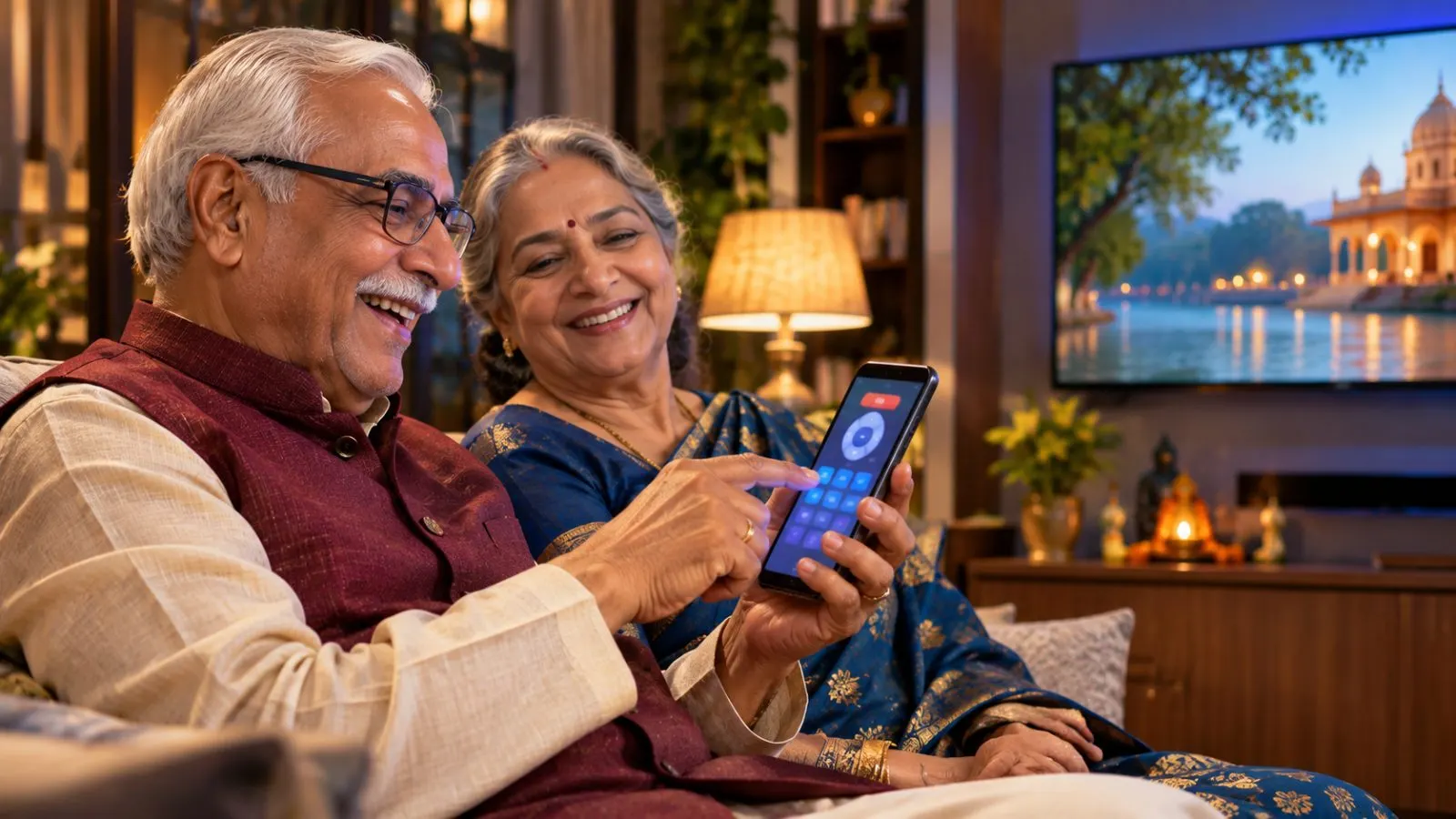
A grandfather using a simple phone remote next to his wife
Easy for eldersA big-button Senior remote, free, plus voice.
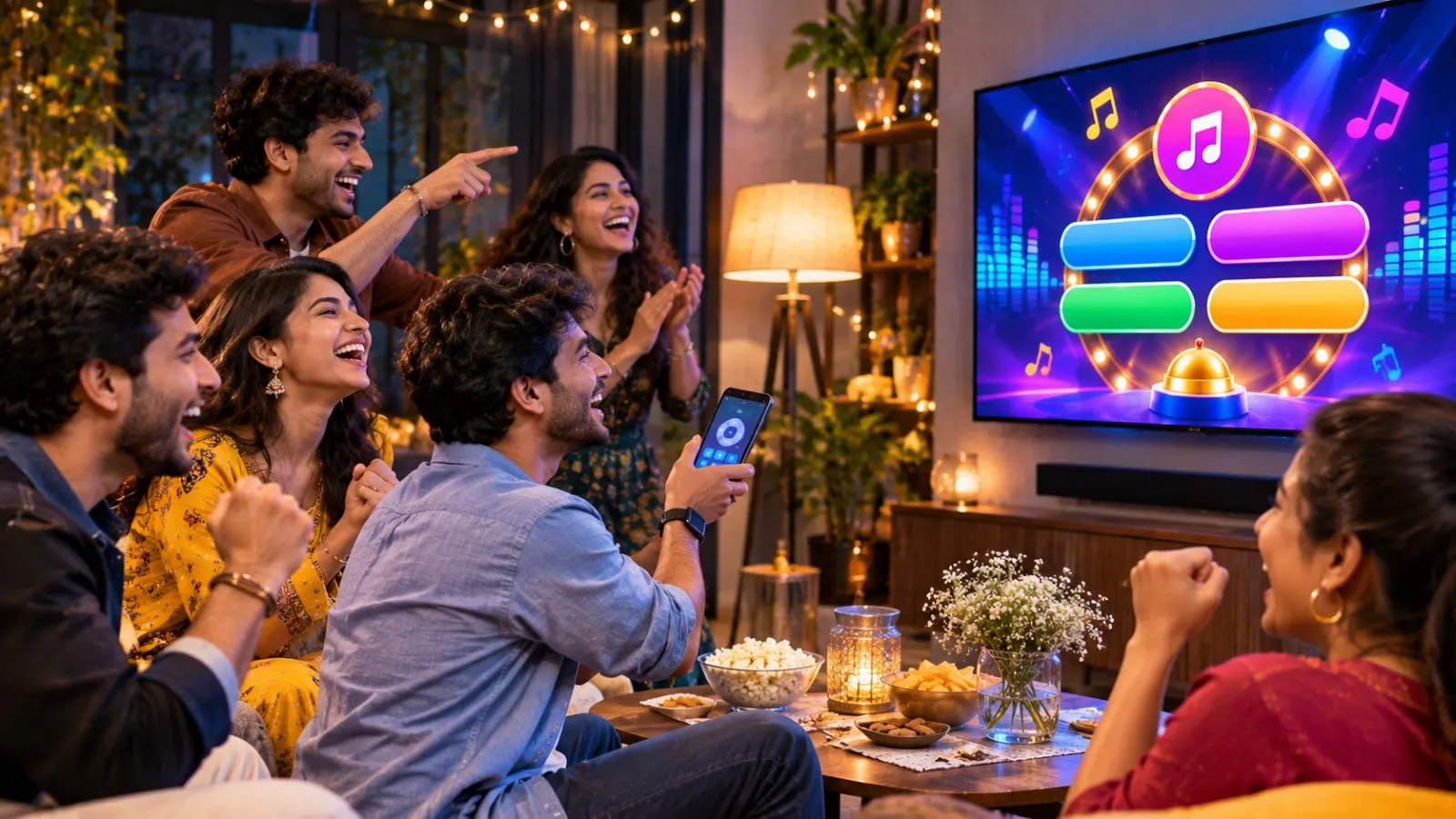
Friends cheering in front of a TV music game at a house party
Party readyTwo teams, one remote, lots of noise.
Voice commands, free

Just say it, in Hindi or English.

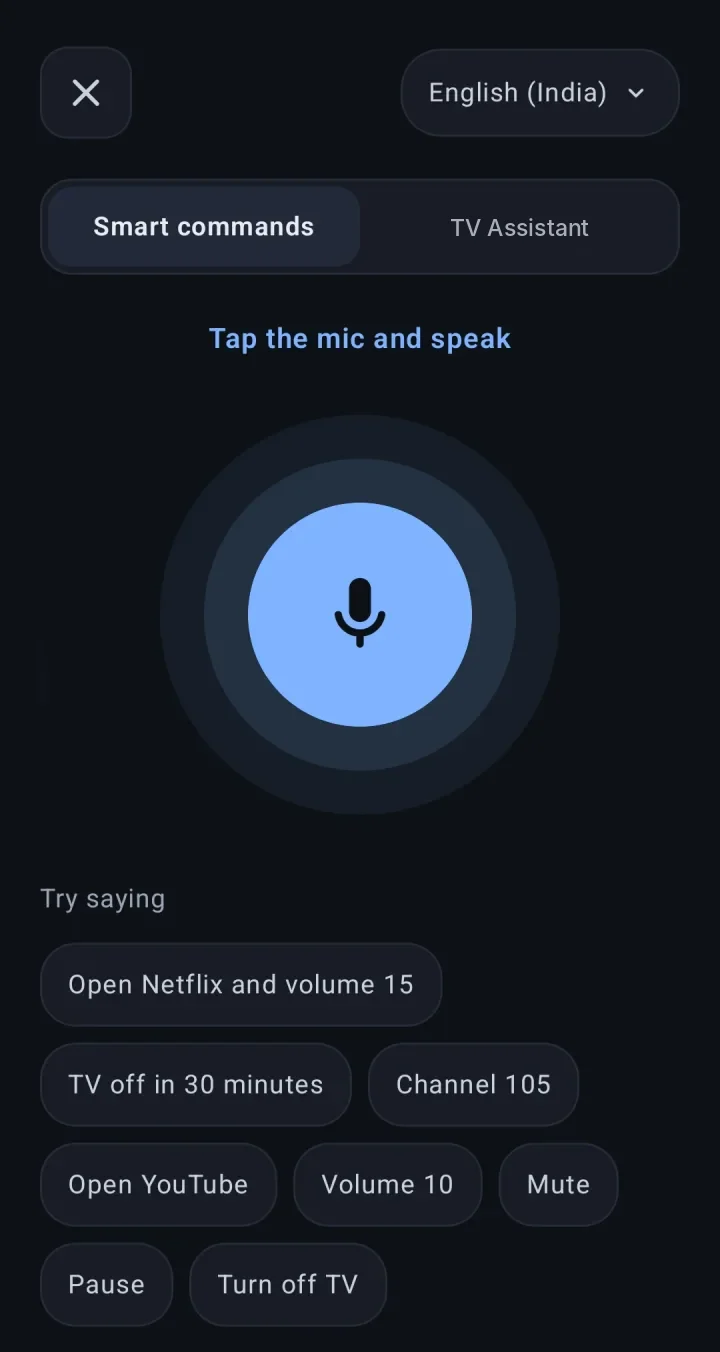
“YouTube pe bhajan chalao”, “Netflix kholo aur volume 15”, “30 minute mein TV band”. Remote Raja understands mixed Hindi and English and does it on the TV.

Remote Raja heard
Tap a phrase above
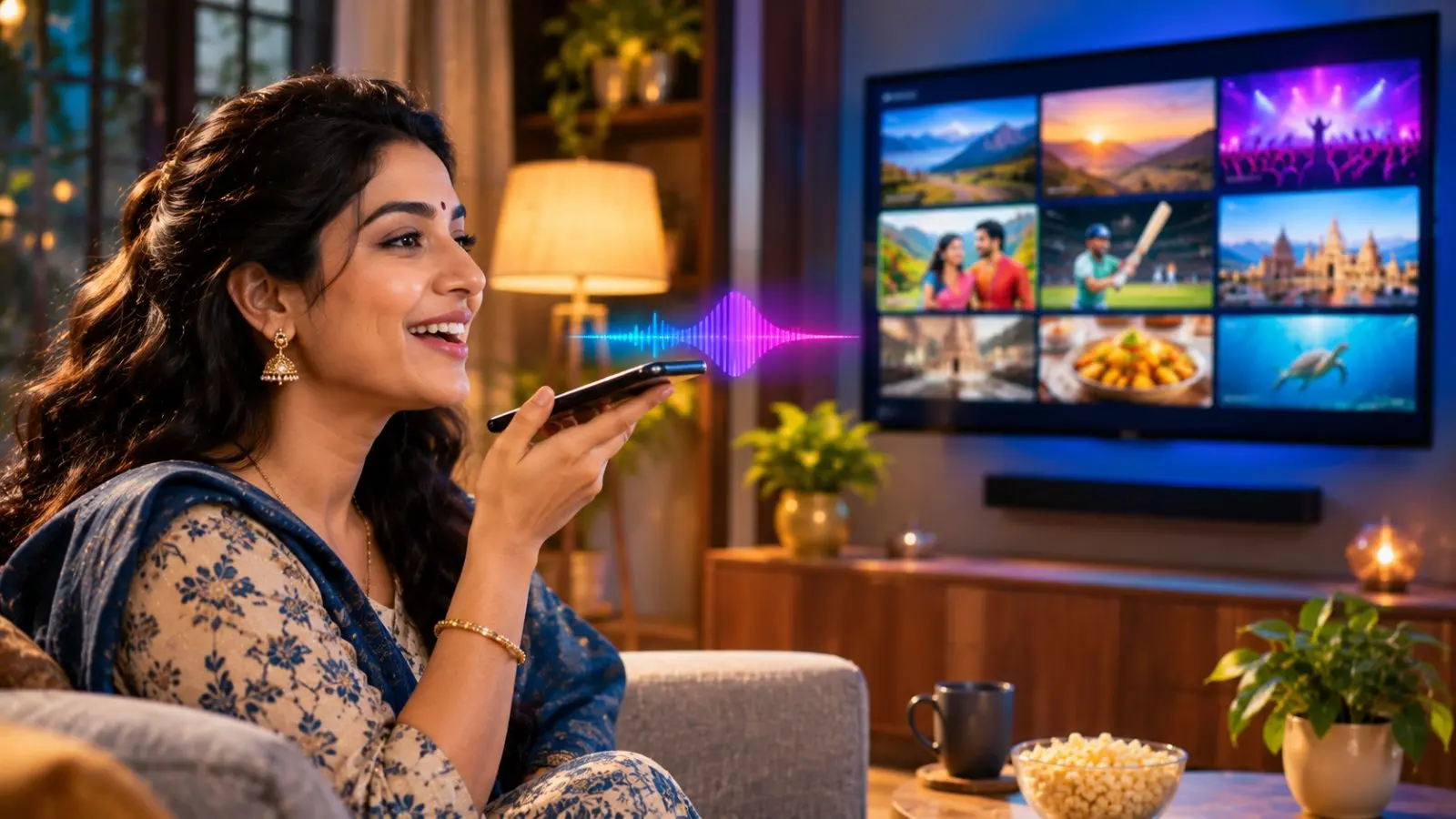
A woman speaks a command into her phone and the TV responds
🎤 “Netflix kholo aur volume 15”
9:41
Voice commands screen with a big mic and suggested phrases
Family games on the TV

Game night, on the biggest screen at home.

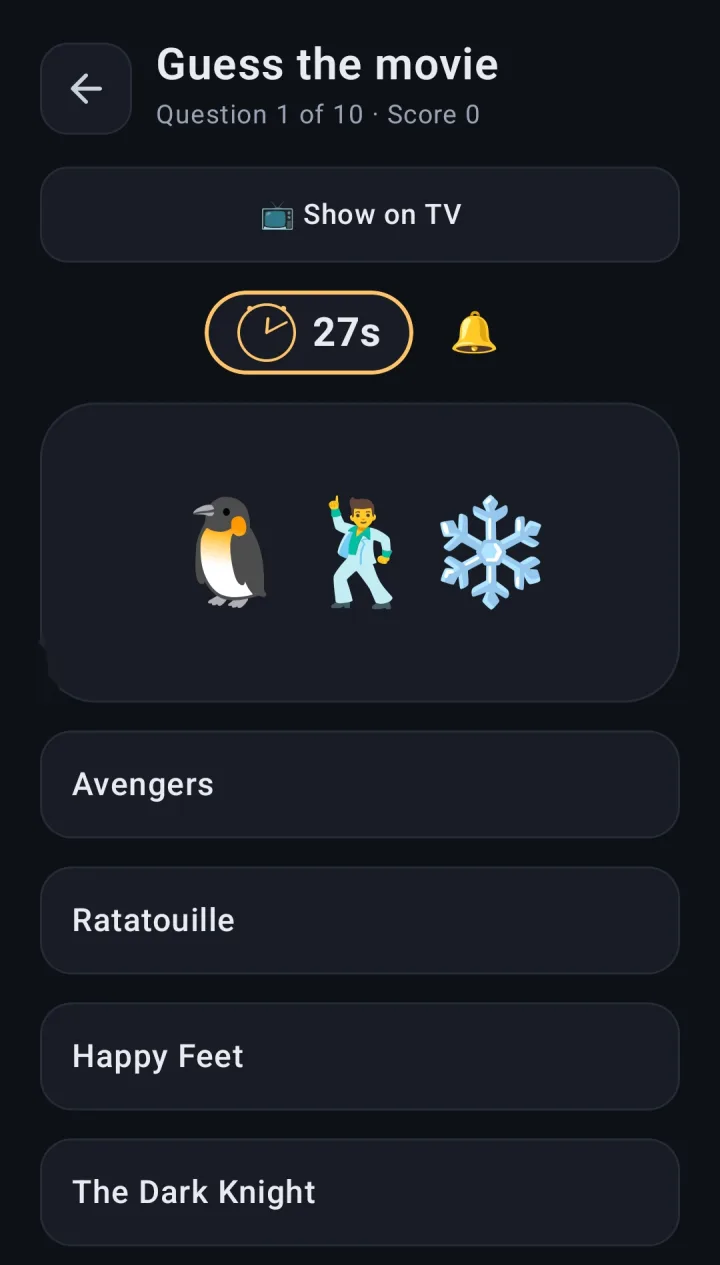
Guess the movie from emojis, Antakshari with a timer and teams, cricket and Sanatan quizzes, Tic-tac-toe and a party wheel. Turn on “Show on TV” and everyone plays from the sofa, with scores for every player.

GUESS THE MOVIE 30 s 🐧🕺❄️

This is the picture the app sends to your TV. Tap an answer to try it.

Guess the movie on the phone with a 27 second timer and four answers

Everyone answers from the phone.

Antakshari on the TVTeam turn, the letter or word to sing, live scores and the winner.
Cricket quiz and Sanatan ChampsEach quiz has its own TV look: a stadium, or a temple-gold theme.
Tic-tac-toeOn the phone, vs the app or a friend.
←
Tic-tac-toeYou are ✕
Your turn
You 0 · Phone 0 · Draws 0

Play on the phone, cheer at the TV.

Tic-tac-toe plays on the phone against the app or a friend. When someone wins, a line crosses the winning row and a trophy pops up. Try it here.

Guess the movie / song150+ films and 90+ songs, Bollywood or Hollywood, old or new.
AntakshariTwo teams with names, 5, 10 or 15 turns, winner on the TV.
QuizzesEntertainment, Cricket and Sanatan Champs, in Hindi, Hinglish or English.
MultiplayerEveryone gets equal turns; the TV shows each player's score.
10 remote styles

A remote that looks the way you like.

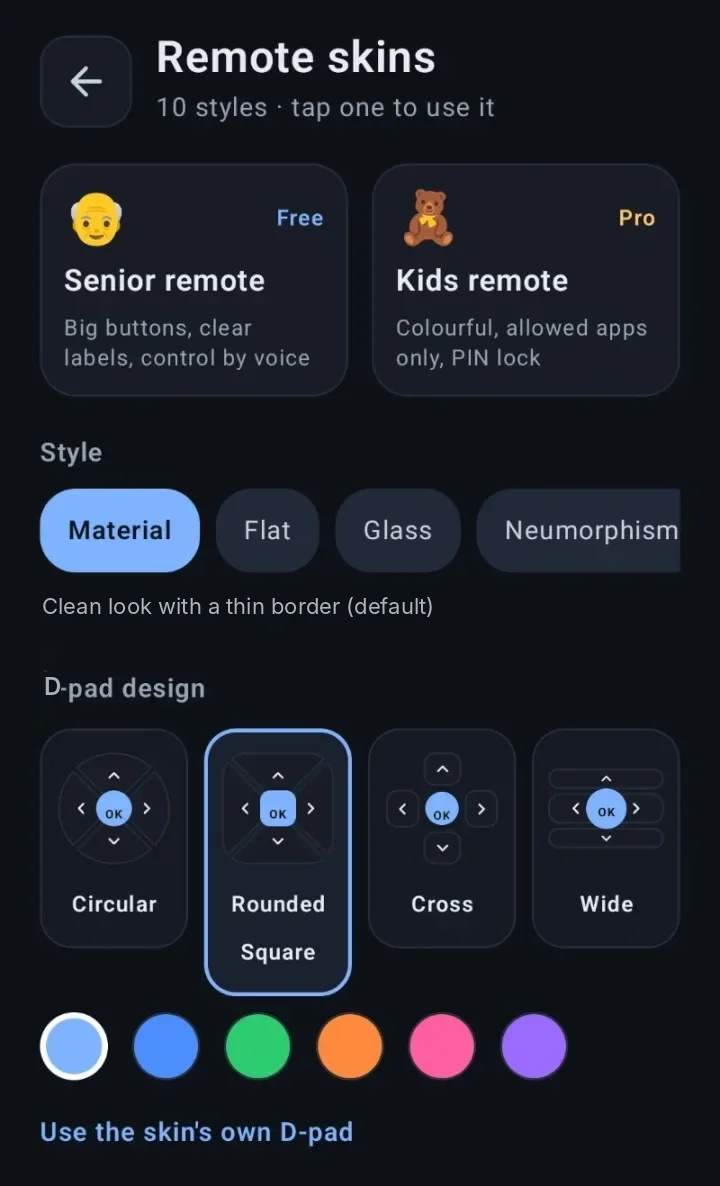
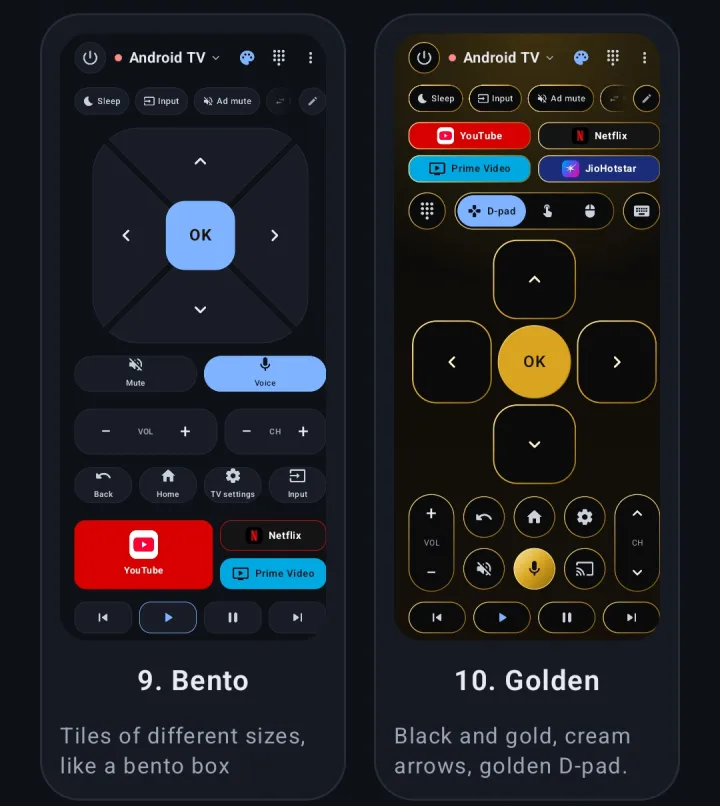
Studio, Big Pad, Classic, Retro, Side Rails, Thumb Zone, Bento, Golden, plus a big-button Senior remote and a playful Kids remote. Change the D-pad shape and colour too.

9:41
Remote skins screen with style and D-pad choices
9:41
Kids remote with big colourful buttons
9:41
Bento and Golden remote styles
MaterialFlatGlassNeumorphismCircular D-padRounded squareCrossWide
Scenes, routines and schedules

One tap for movie night. The TV runs on time.

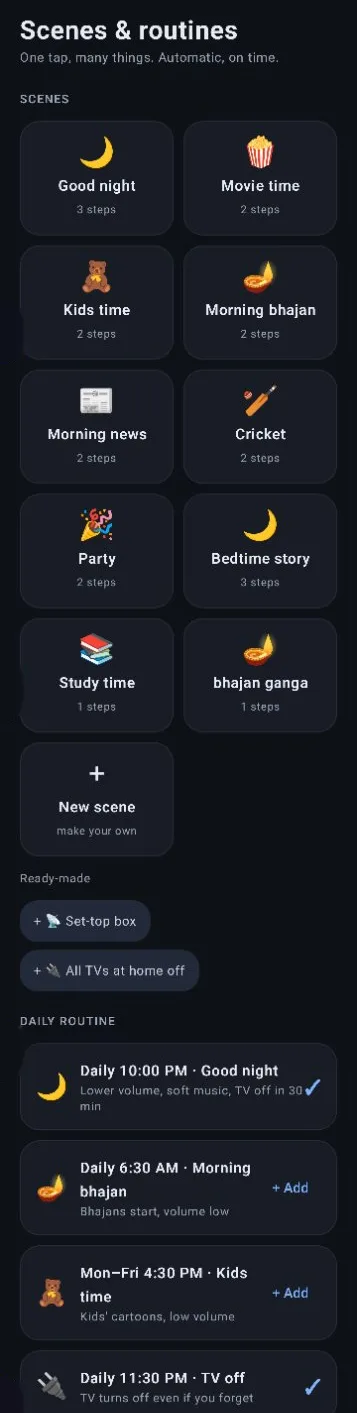
A scene does several things at once: open Netflix and set the volume, play a YouTube playlist, start a sleep timer. Put it on a schedule and the TV follows your day.

6:30 am
Morning bhajanBhajans start, volume low
4:30 pm
Kids timeMon to Fri, cartoons, low volume
10:00 pm
Good nightSoft music, TV off in 30 min
11:30 pm
TV offEven if you forget
  • Weekly screen-time report you can share
  • Invite family: another phone at home controls the same TV
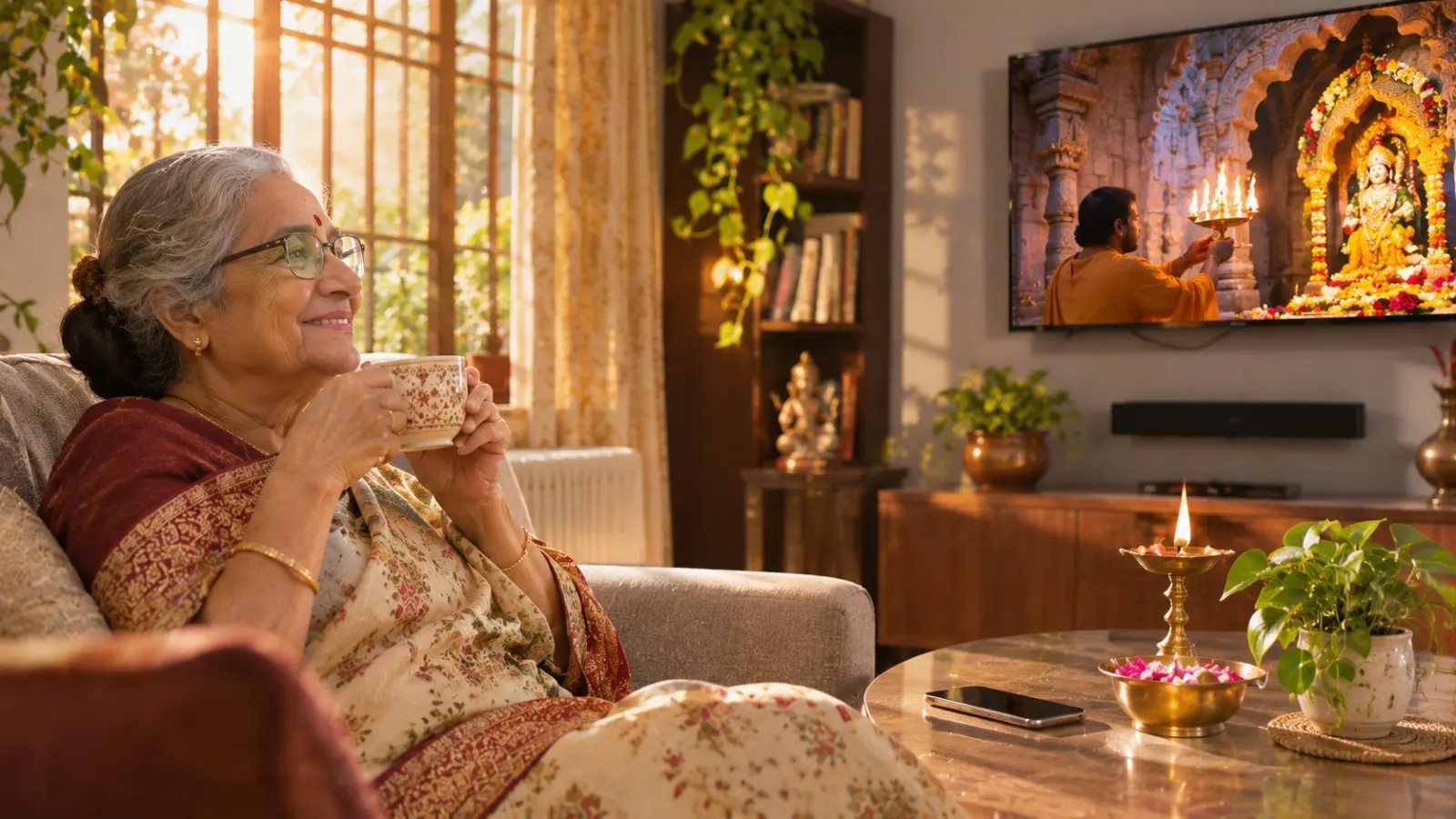
A grandmother with morning tea while a temple aarti plays on the TV
6:30 am Morning bhajan, on its own
9:41
Scenes tab with scene tiles and daily routines
And a lot more

Everything the old remote did, and plenty it couldn't.

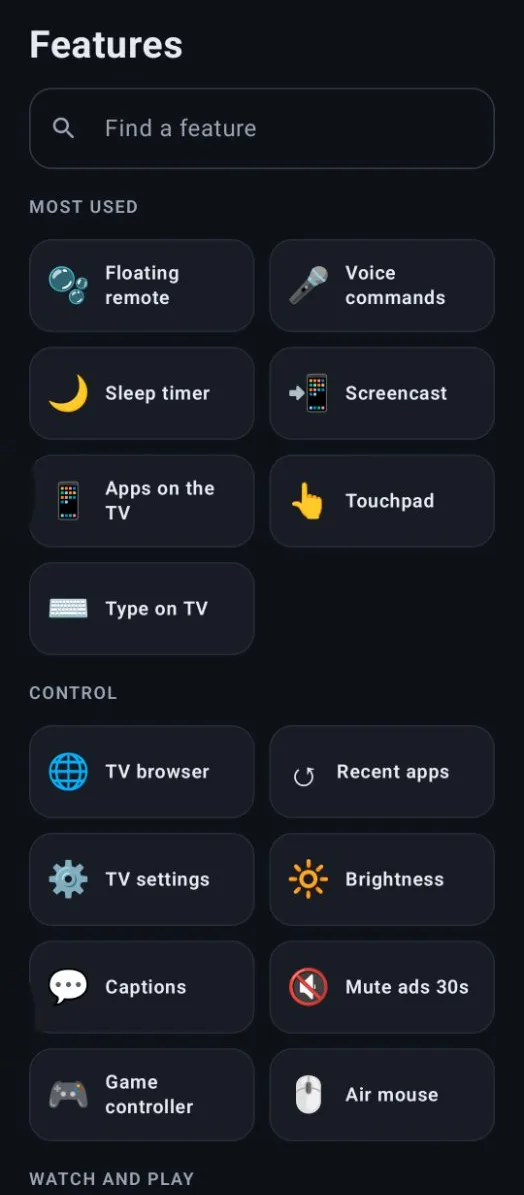
Floating remoteSleep timerTouchpadScreencastApps on the TVTV browserCaptionsMute ads 30sBrightnessRecent appsSet-top box keysTV nickname Photo FramePlay photos & videos on TVKids modeNight volume limitShow remindersLock screen remoteRemote in notificationGame controllerAir mouse Home screen widgetQuick Settings tilePause TV on calls
9:41
Features tab listing every feature by group
9:41
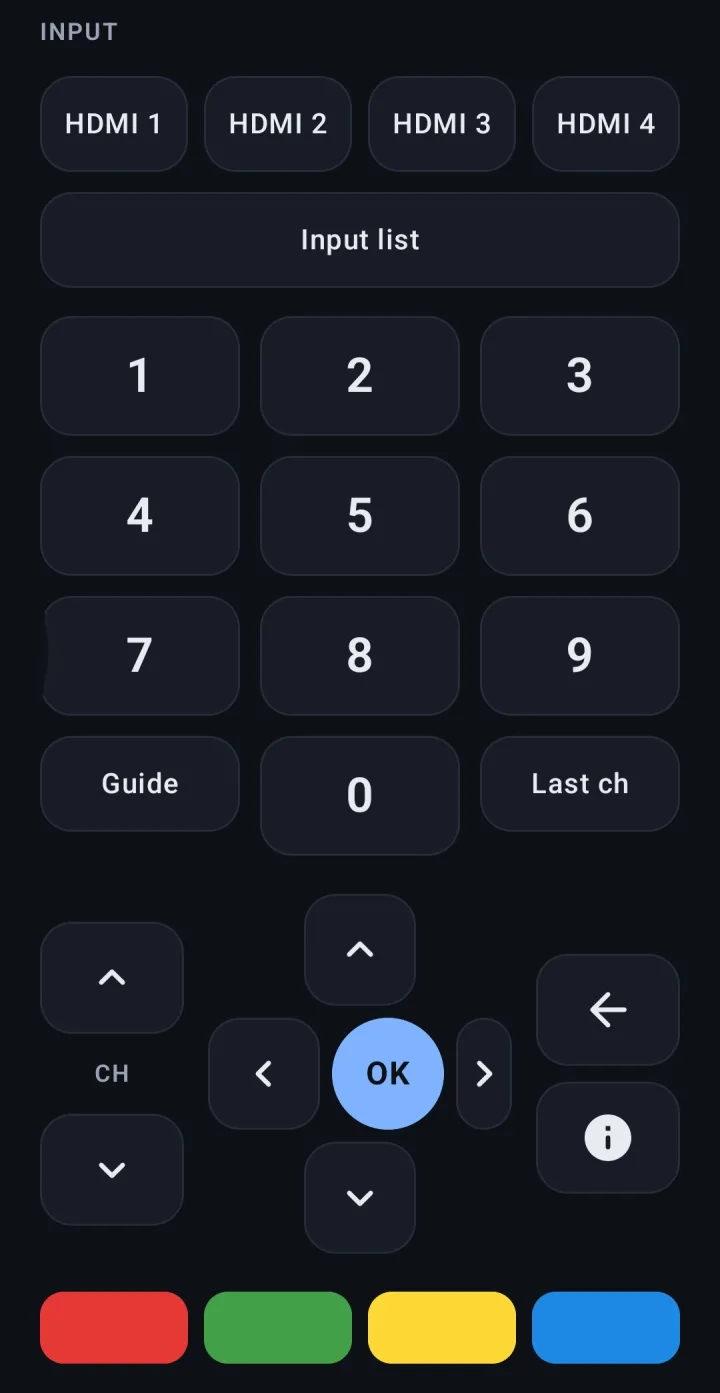
Set-top box keys: inputs, number pad, channel and colour keys
Set up in a minute

Three steps, then it just connects.

1

Install the app

Keep your phone and TV on the same Wi-Fi.

2

Pick your TV

Remote Raja finds it. A short code appears on the TV.

4F2A9C
3

Type the code once

After that it reconnects by itself, every time.

XiaomiOnePlusTCLHisenseMotorolaPhilipsrealmeChromecast with Google TVNVIDIA Shield
👑 Remote Raja Pro

Everything above stays free. Pro adds the extras.

Floating, notification and lock screen remotes, Photo Frame and casting, Kids mode, scenes and schedules, and unlimited game rounds. Try it for 7 days; cancel any time in Google Play.

Free
₹0

Every remote button, voice, search, 4 remote styles, Senior remote and daily games.

Yearly
₹299 / year

All Pro features. Try 7 days free, then about ₹25 a month. Cancel any time.

Lifetime
₹699 once

All Pro features, paid once. No renewals, Pro stays on your Google account.

Launch prices for India, set in Google Play; Google Play shows the final price in your currency. A lifetime purchase never costs anything more.

Free and Pro, side by side

FeatureFreePro
Remote
Every remote key, D-pad and touchpadYesYes
Search on your phone, with suggestionsYesYes
Voice commands in हिंदी, Hinglish, EnglishYes, no limitYes, no limit
Remote styles4: Studio, Big Pad, Classic, SeniorAll 10, plus Glass, Neumorphism, Clay and Skeuomorphic keys
Sleep timer, Mute ads, set-top box keys, ScreencastYesYes
Home screen widget, Quick Settings tile, My buttonsYesYes
Floating, lock screen and notification remotesNoYes
Game controller and Air mouseNoYes
Games
Guess the movie / song and quizzesThe same first 20 questions in each gameEvery question, new ones each round
Antakshari20 turns a dayUnlimited
Tic-tac-toe, Blind remote, Mute charadesYesYes
Party wheelNoYes
Family and automation
Senior remoteYesYes
Kids mode with PIN and allowed appsNoYes
Scenes, routines and schedulesNoYes
Screen-time report, night volume limit, show remindersNoYes
Photo Frame and playing photos / videos on the TVNoYes
All TVs off, pause TV on callsNoYes
How it compares

More than a spare remote.

The remote in Google's own Google TV app covers the basics well. Many other remote apps show ads, or keep typing, voice and the touchpad behind a paid plan. In Remote Raja those are free, and it adds what families actually use in front of the TV.

Remote RajaGoogle TV app remoteTypical free remote apps
PriceFree, Pro optionalFreeFree basics; keyboard, voice and more often paid
AdsNoneNoneMany show ads
D-pad, volume, power, play / pauseYesYesYes
Keyboard, voice, touchpad and app shortcutsAll freeFreeOften in a paid plan
Search opens straight in YouTube / Netflix resultsYes, with suggestionsType into the TV's search boxRare
VoiceCommands in हिंदी, Hinglish, English, plus the TV's AssistantGoogle AssistantVaries
Family games on the TVQuizzes, Antakshari, Guess the movie and moreNoRare
Scenes and schedulesYes ProNoRare
Remote styles10 styles, D-pad shapes and coloursOneA few themes
Senior and Kids remotesYes Kids is ProNoRare
Remote outside the appWidget and Quick Settings tile; floating and lock screen ProQuick Settings tileVaries

Based on Google's help page for the Google TV app remote and Google Play listings of popular remote apps, checked in November 2026. Other apps change over time.

Questions

Good to know

Which TVs does it work with?

Android TV and Google TV, including most Sony, TCL, Mi, OnePlus, Hisense, Realme and Nokia smart TVs, Chromecast with Google TV and Android TV boxes. Your phone and TV need to be on the same Wi-Fi.

Does it work with Samsung, LG or other TVs?

Remote Raja is built for Android TV and Google TV, and that is where it is fully tested. It can work on some other TVs too (it worked on a Samsung TV in our own testing), but not every model has been tested yet. The app is free to download, so you can try it on your TV before buying Pro.

Is it really free? Are there ads?

Downloading is free and there are no ads. Every remote button, voice commands, search and daily games are free. Pro is optional.

How does search work without the TV keyboard?

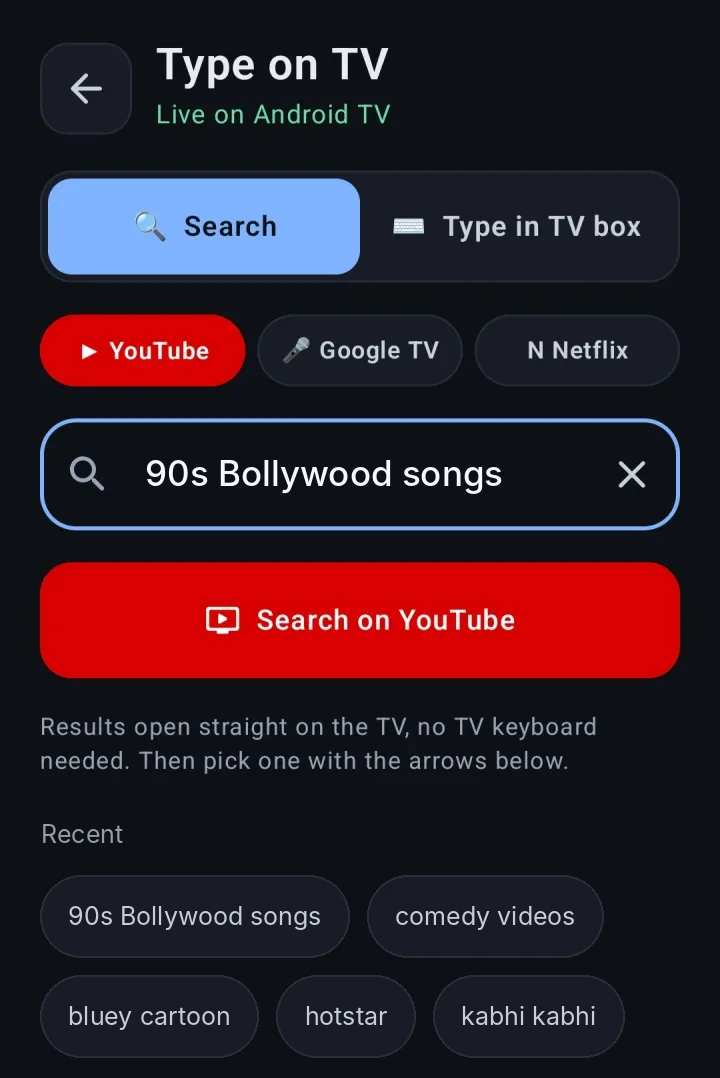
You type on your phone and Remote Raja opens the search results directly in YouTube or Netflix, or asks Google TV to search all your apps. For logins and passwords there is also live typing into the TV's text box.

Do I need an account?

No. You pair with your TV once using the code shown on the TV.

Will it work away from home?

No. The phone talks to the TV directly over your home Wi-Fi, so both need to be on the same network.

How do I cancel Pro?

Google Play › Payments & subscriptions › Subscriptions › Remote Raja. You can cancel any time, including during the 7 free days.

Remote Raja app icon

Put the remote in your pocket.

Free to download. No ads. Ready in a minute.

▶  Get it on Google Play